Where's your project set? Getting Eclipse sources easily!
As you know, Eclipse can use “Team Project Set” files (.psf) to magically import code from various repositories. Thanks to Karl (294842), we committers can now set a project set url in our project’s metadata. This will link to a .psf-file from our project’s About page.
Here’s how this looks for Eclipse RAP:
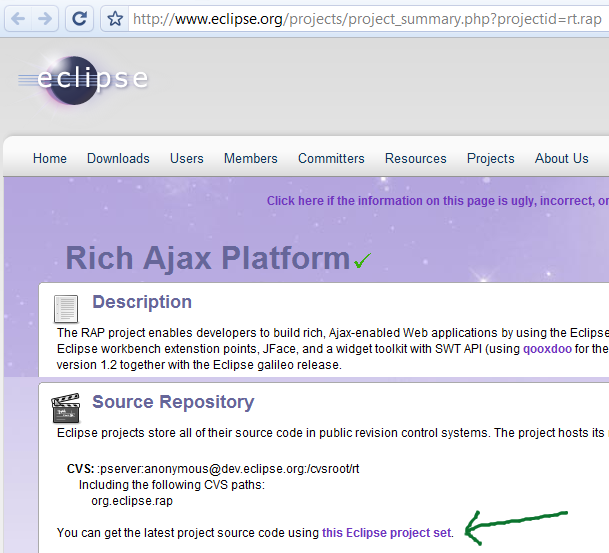
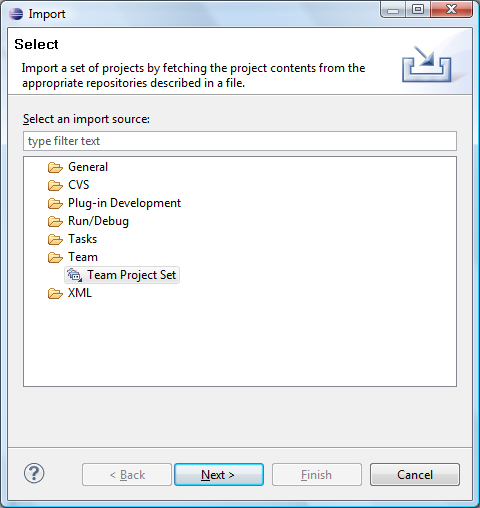
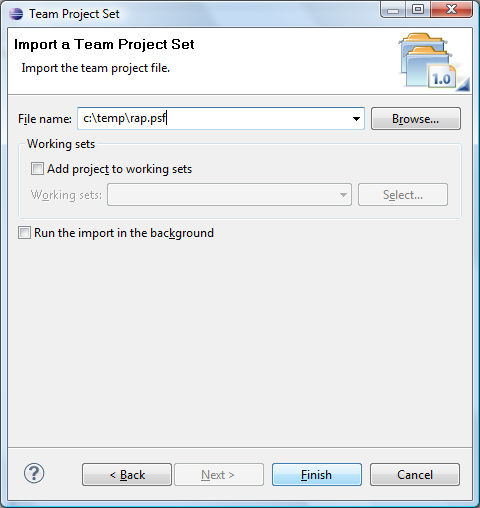
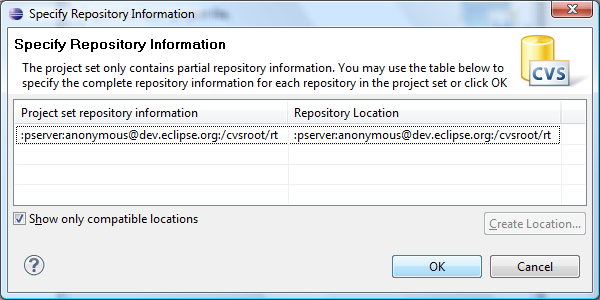
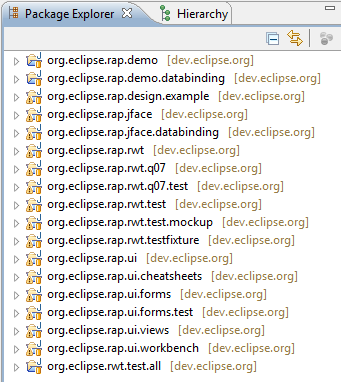
After saving this file, you can use the “Team Project Set” wizard to download the latest RAP sources with a few clicks:
Now go and bug your favorite projects to provide a project set ;-).
Kind regards, Elias.