on Nov 13th, 2009Where’s your project set? Getting Eclipse sources easily!
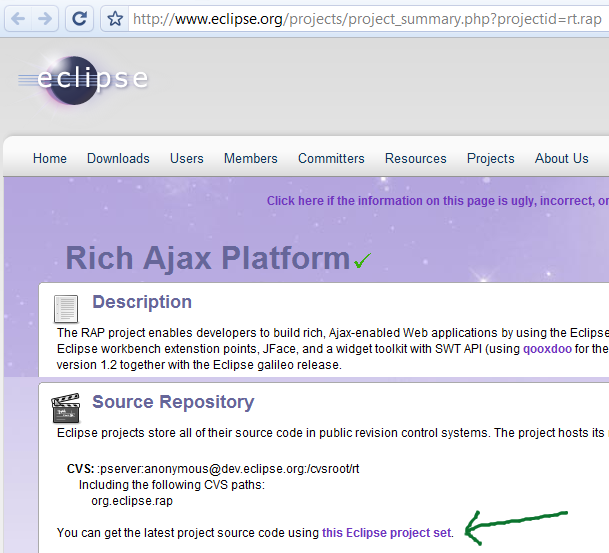
As you know, Eclipse can use “Team Project Set” files (.psf) to magically import code from various repositories. Thanks to Karl (294842), we committers can now set a project set url in our project’s metadata. This will link to a .psf-file from our project’s About page.
Here’s how this looks for Eclipse RAP:
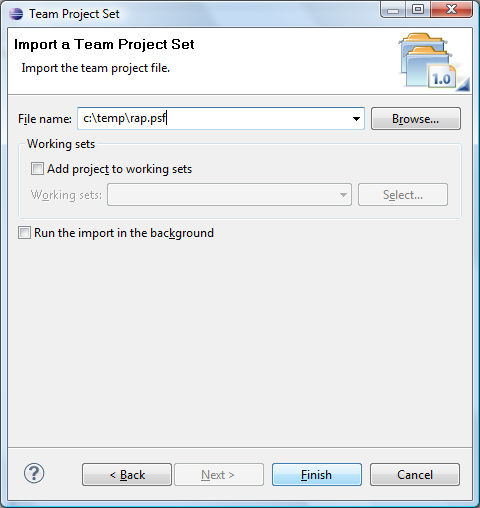
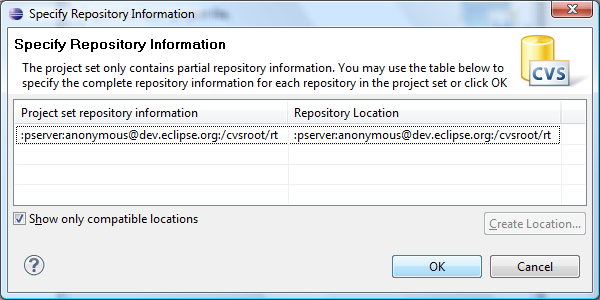
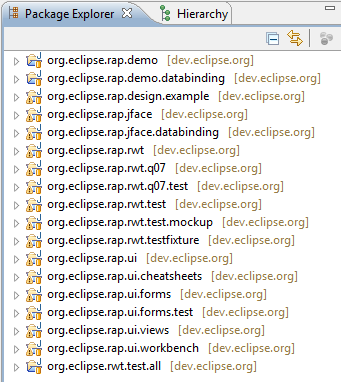
After saving this file, you can use the “Team Project Set” wizard to download the latest RAP sources with a few clicks:
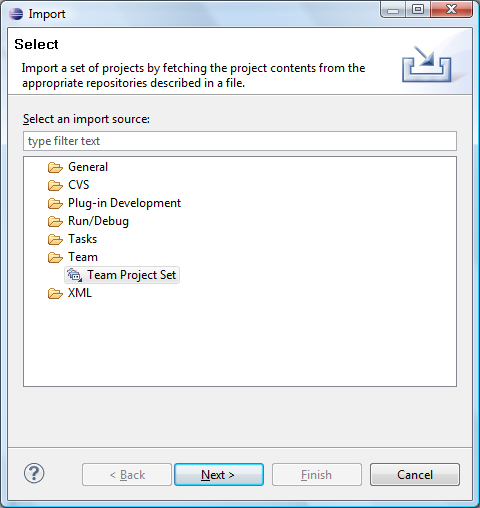
Now go and bug your favorite projects to provide a project set
.
Kind regards,
Elias.
Related posts:
- Tip: Project Level Settings
- Eclipse, SAP and Project Pave
- Introducing the Eclipse RTP Project
- Check out the Eclipse project dashboard
- Eclipse Modeling Project Refinements, Eclipse Galileo Feature #7


Cool. That was a fast reaction after a tweet.
Thanks to you Elias and Karl.
Awesome. I opened https://bugs.eclipse.org/bugs/show_bug.cgi?id=295033 to allow the psf URL to be entered directly in the import dialog. Fewer clicks to getting started with a project.
Cool! I have added the project set to the GEF3D project as well, actually there has already been a bug report by Madhu about that
Thank you Elias and Karl.
This is really cool, thanks for opening the bug. I think you should send an email to the committers list to inform them of this feature.
@Denis: done, thanks for the tip.